

Mobile-First Web Development: 7 Easy Steps to Start
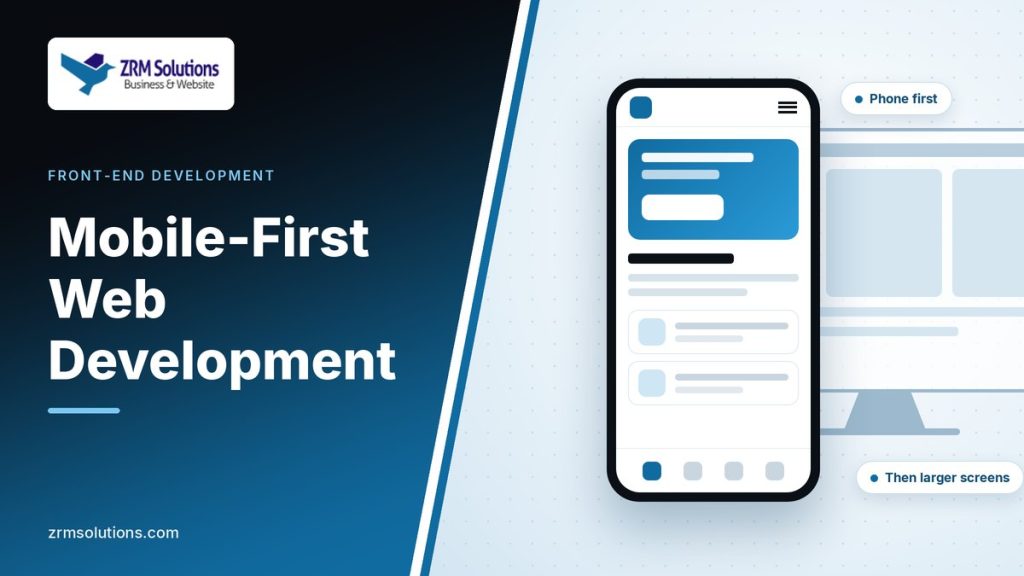
Mobile-first web development means designing and coding the small-screen version of a page first, then adding to it for larger screens. Learn the thinking behind it and a simple workflow you can follow.
CSS Grid Layout Explained: 6 Easy Steps for Beginners
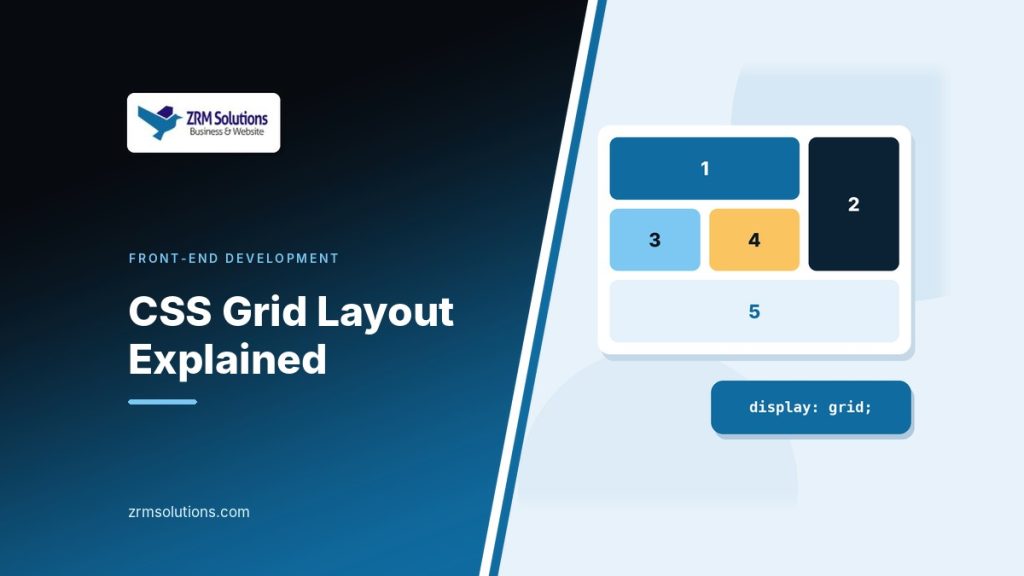
CSS Grid layout lets you describe rows and columns in your stylesheet, then drop elements into them. Learn how to create a grid, size its tracks, place items, name areas and build a gallery that adapts to any screen.
CSS Flexbox Explained: 3 Easy Layout Patterns to Copy
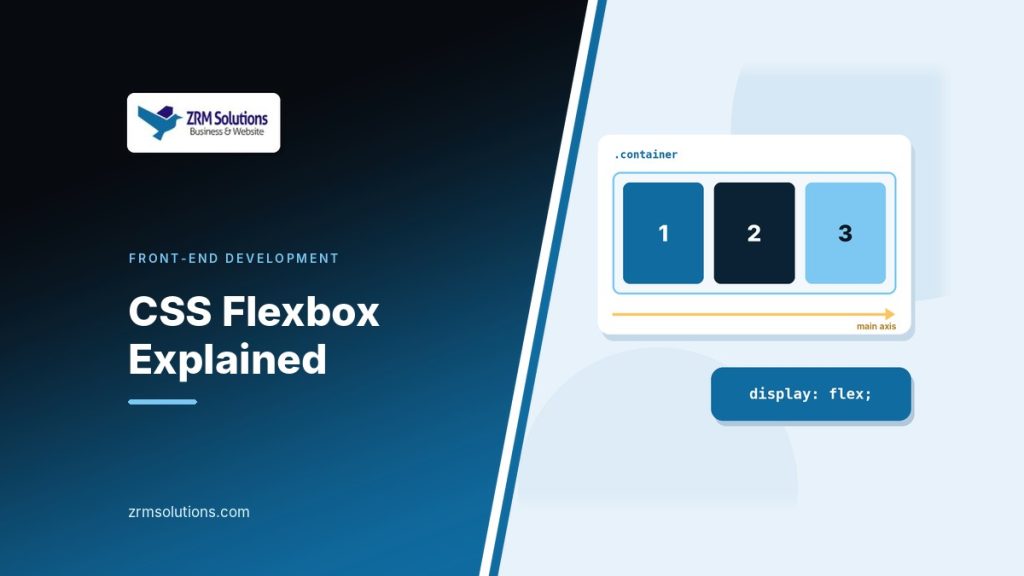
CSS Flexbox arranges items along a single row or column and lets them grow, shrink and align with a few properties. Learn the container, the items and the two axes, then copy three practical layout patterns.
Understanding the CSS Box Model: 4 Easy Layers Explained
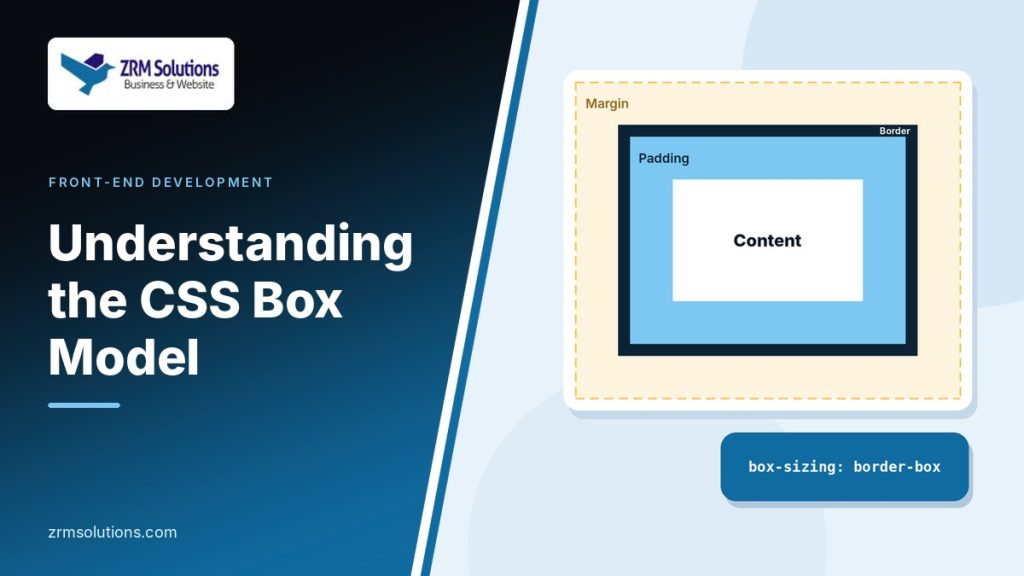
Browsers treat every element as a rectangular box. Learn the four layers of the CSS box model, how total width is calculated, the difference between content-box and border-box, and why vertical margins collapse.
Introduction to CSS Selectors: 6 Easy Types to Master
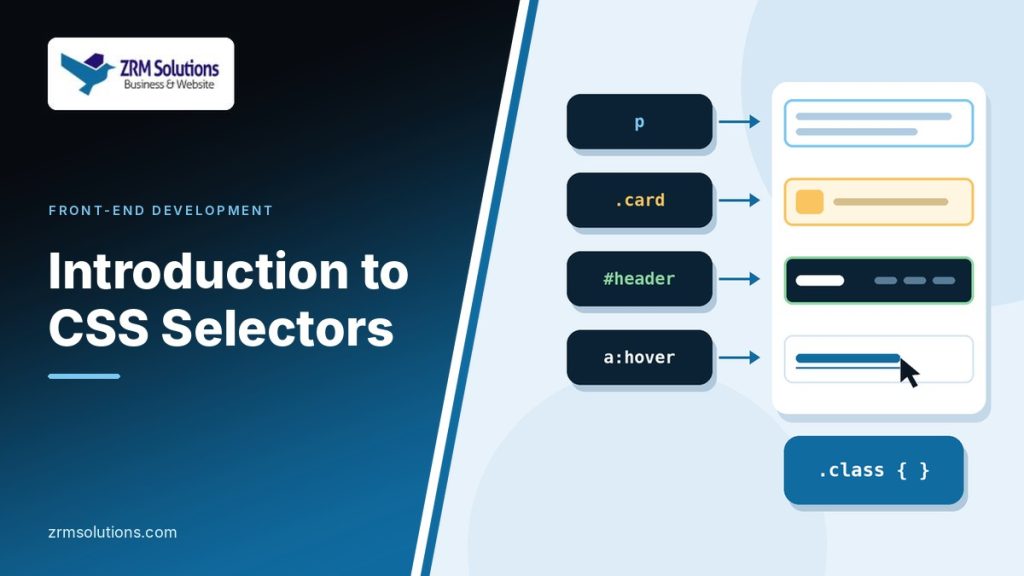
CSS selectors tell the browser which elements a style rule applies to. Learn the basic selectors, grouping, combinators, attribute selectors, pseudo-classes and pseudo-elements, and how specificity decides which rule wins.
Understanding HTML Attributes: 6 Best Practices to Know
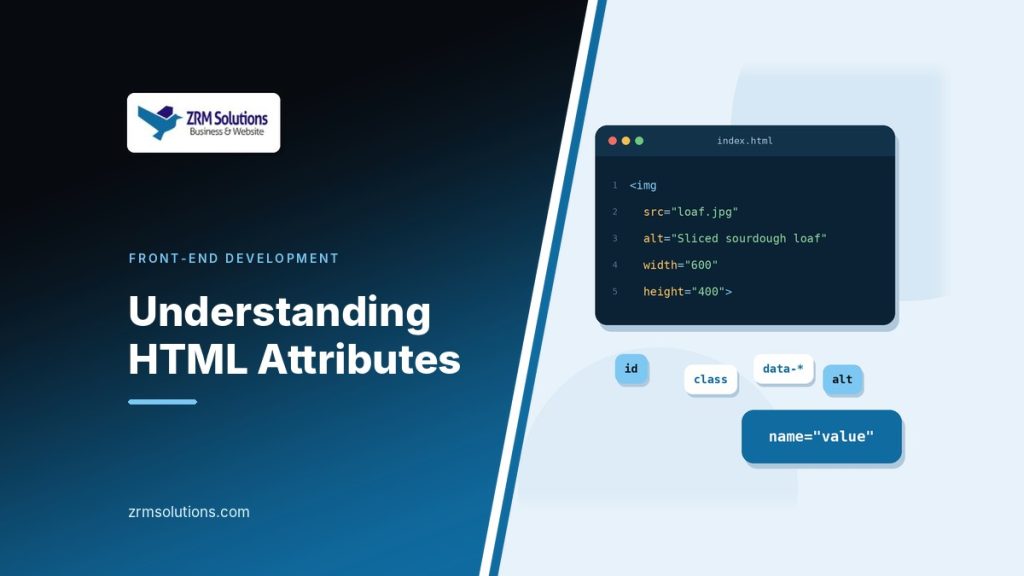
HTML attributes turn general tags into specific, useful elements. Learn how attributes are written, which ones work on every element, the difference between id and class, and the habits that keep your markup tidy.
Introduction to HTML Elements: 6 Easy Families to Know
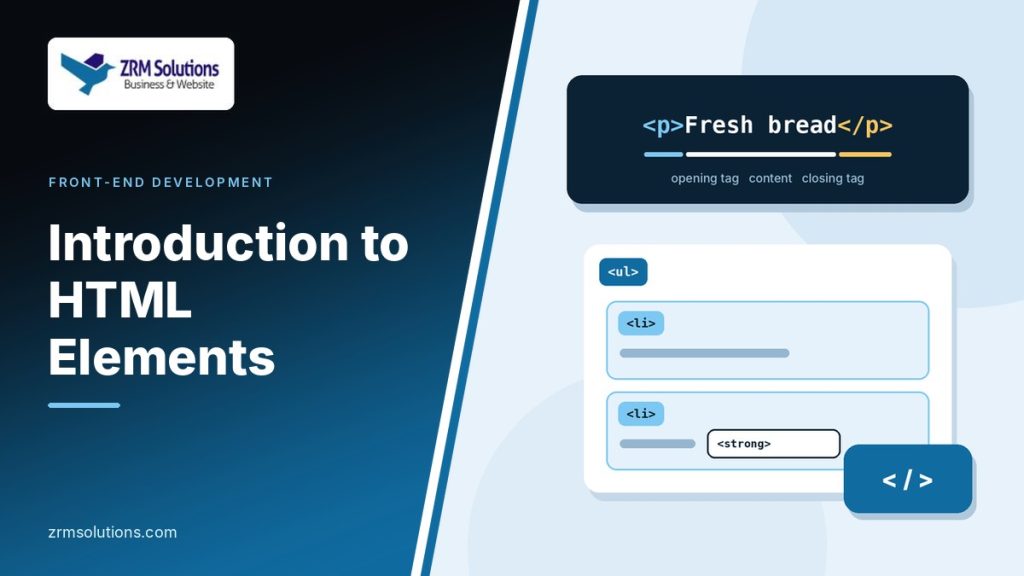
HTML elements are the building blocks of every web page. Learn how one element is put together, how elements nest inside each other, the difference between block-level and inline, and the six main element families.
How HTML, CSS and JavaScript Work Together: 3 Easy Steps
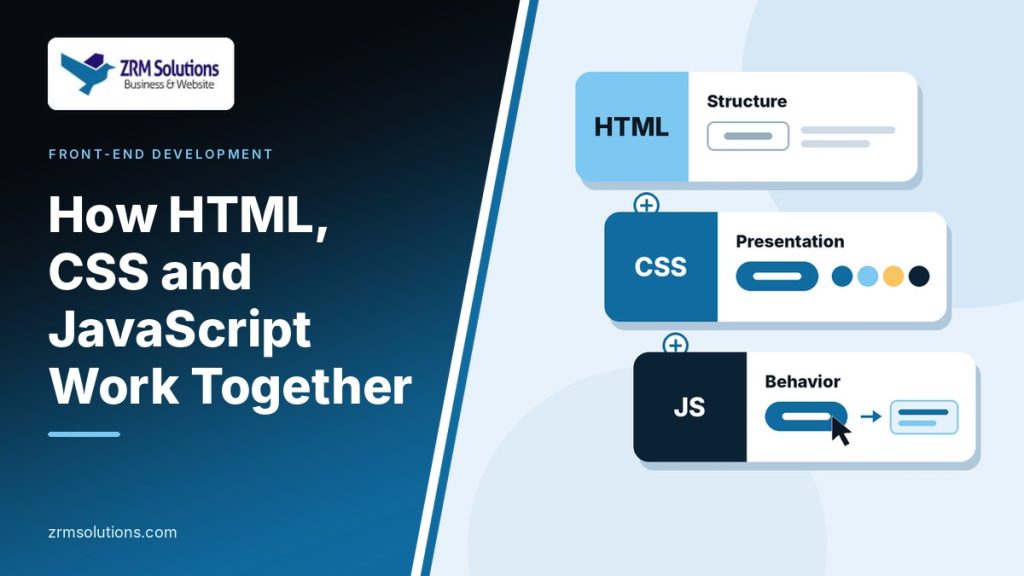
A web page is built from three languages that each do a different job. See how HTML, CSS and JavaScript work together by building one small show and hide feature, and learn what the browser does with each file.
JavaScript Basics: 8 Easy Concepts for Beginners
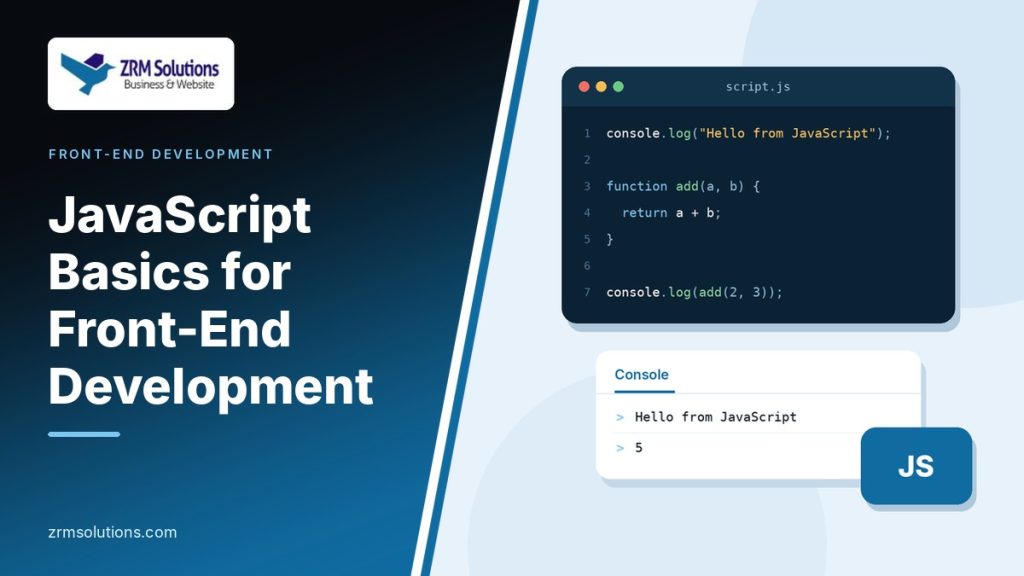
JavaScript basics are a handful of ideas found in almost every programming language. Learn variables, data types, operators, conditionals, loops, functions, arrays and objects, with short examples you can run in the console.
CSS Basics: 8 Easy Lessons for Your First Stylesheet
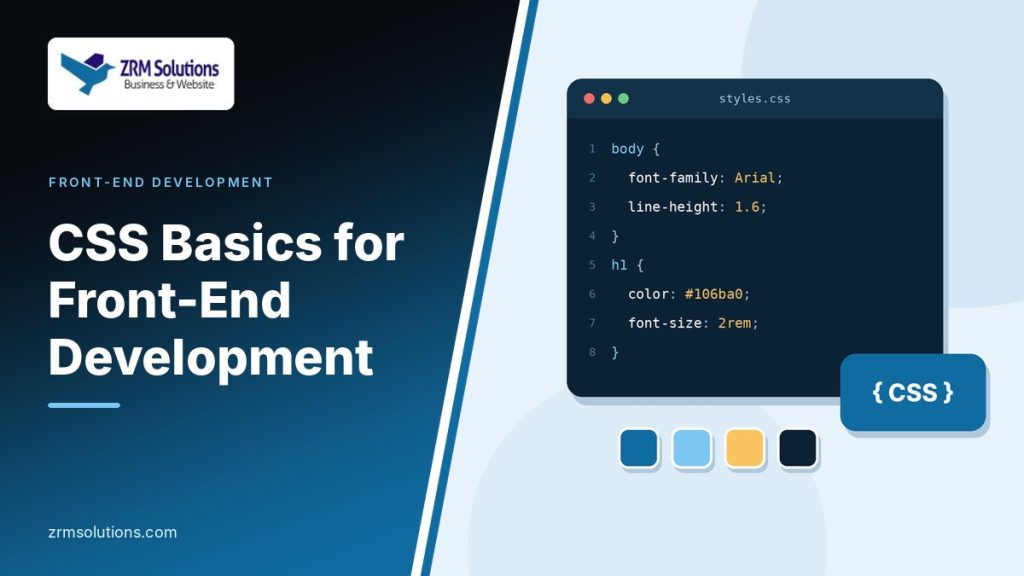
CSS turns a plain HTML document into a design. Learn how a rule is written, three ways to add CSS to a page, and the everyday properties for colors, units, fonts and backgrounds, plus the cascade and inheritance.